
Steps to Sign Up
- Navigate to the following URL:
https://app.redsentry.com/login
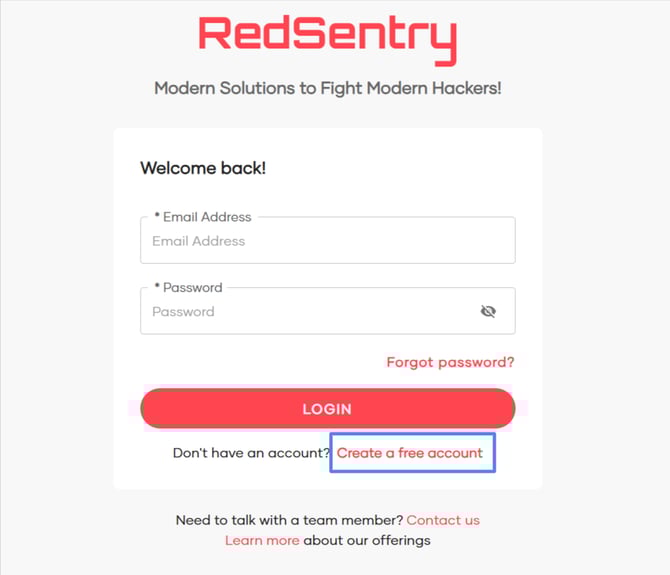
- You will be presented with the login screen. Click on the Create a free account link to begin registration.
- Fill Out the registration form. Enter your
- First Name
- Last Name
- Company Name
- Your Email Address
Then, click on Create Account.
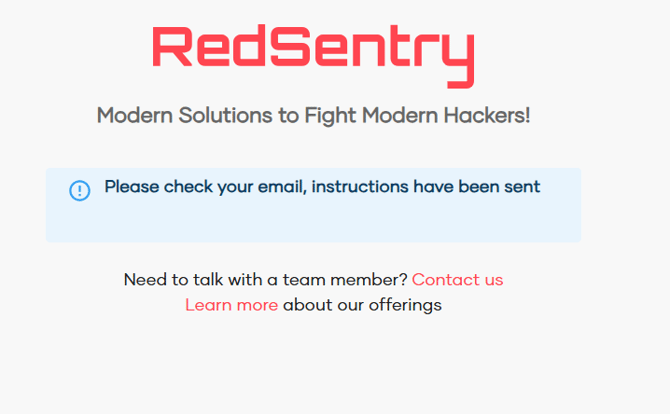
- You will see a confirmation message and receive an email to verify your account. Click the Confirm Email button in the email
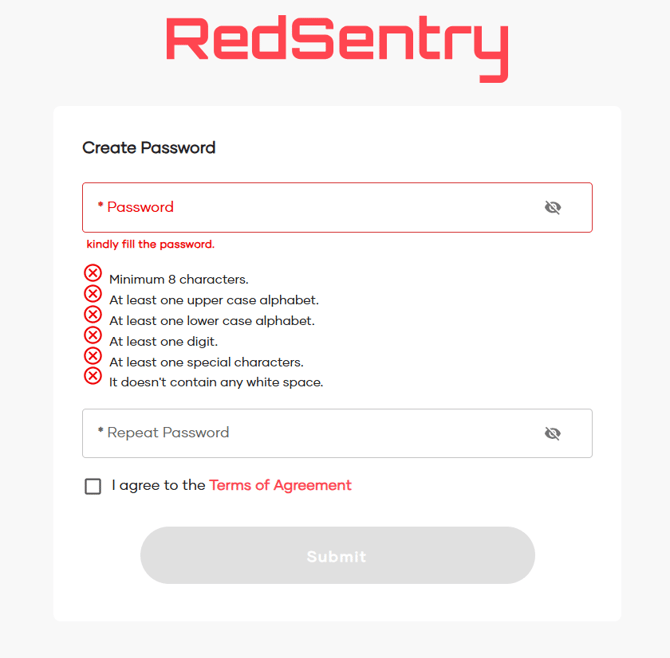
- Now, you’ll be redirected to the Set Password screen. Create a strong password and click Submit.
- You’ll now be redirected to the login page. Enter your registered email and newly created password to access the platform.